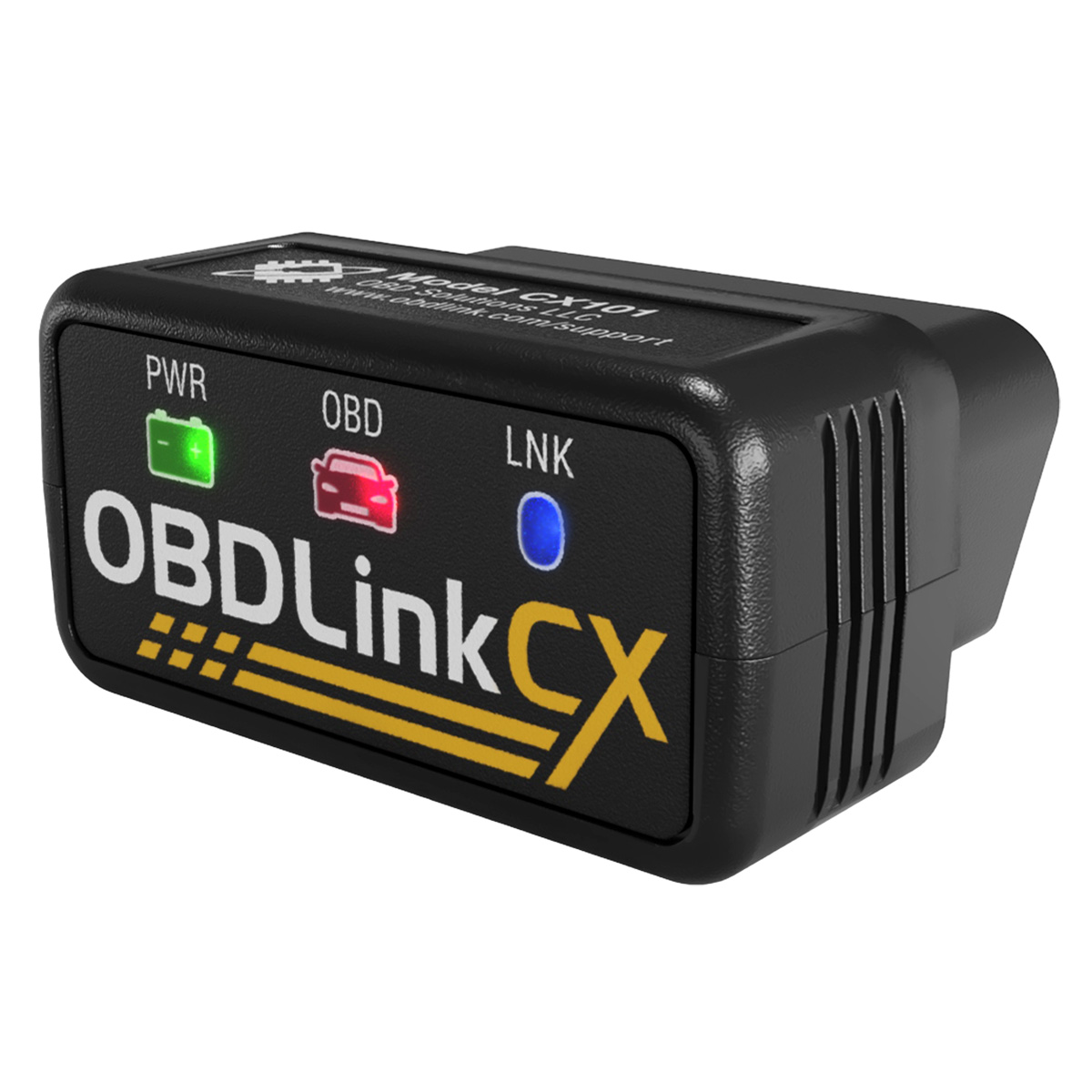
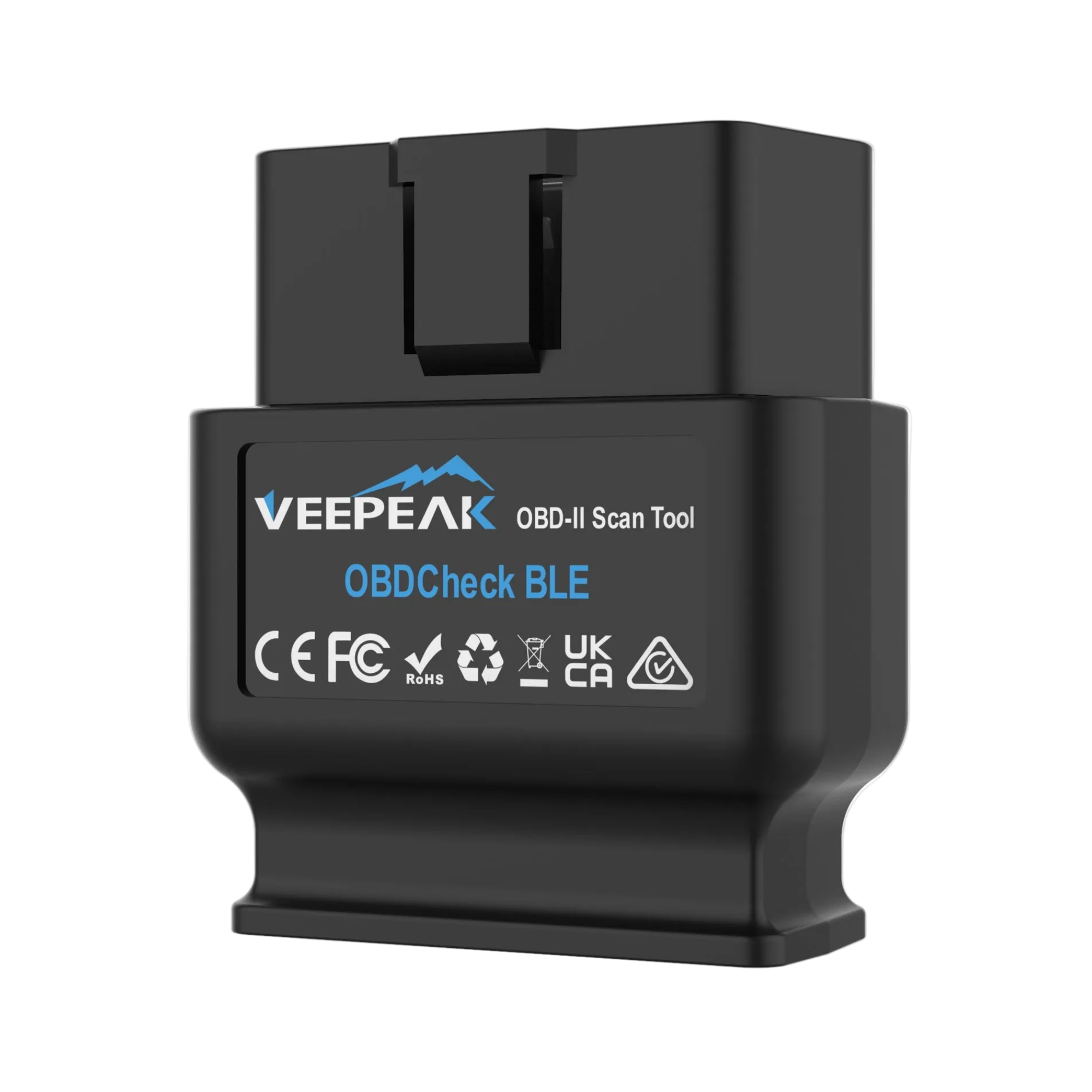
Your car needs a compatible OBD-II diagnostic system. The OBDLink CX supports CAN, ISO 9141 and ISO 14230, but not J1850, which some older vehicles use. The Veepeak supports all five standard OBD-II protocols, including J1850.
The OBDLink CX is designed to stay plugged into your car. Its BatterySaver mode draws less than 1 mA while idle to minimize battery drain. For the Veepeak, the manufacturer recommends unplugging it if your car will sit for more than a week. Follow the adapter’s instructions and consider your car battery’s condition.
Does the adapter include a Diagnostic Report?
The adapter supplies your car’s data. MechaOBD is free to download. Diagnostic Reports are optional in-app purchases, sold separately from the hardware.
WHEN YOUR ADAPTER ARRIVES
Plug in. Open MechaOBD. Connect.
01
Plug into your car.
The OBD-II port is usually under the dashboard on the driver’s side.
02
Connect in MechaOBD.
Turn on Bluetooth, open the app and select your adapter.
03
Start a Guided Health Check.
Follow the app’s prompts to read fault codes and explore your car’s data.
 MechaOBD